Skip to content
VercelLogotypeVercelLogotype
LoginSign Up

AgentGPT - AI Agents with Langchain & OpenAI

Assemble, configure, and deploy autonomous AI Agents in your browser, using Langchain, OpenAI, AutoGPT and T3 Stack.

DeployView Demo

🤖 Assemble, configure, and deploy autonomous AI Agent(s) in your browser. 🤖

🔗 Short link   •   📚 Docs   •   🐦 Twitter   •   📢 Discord

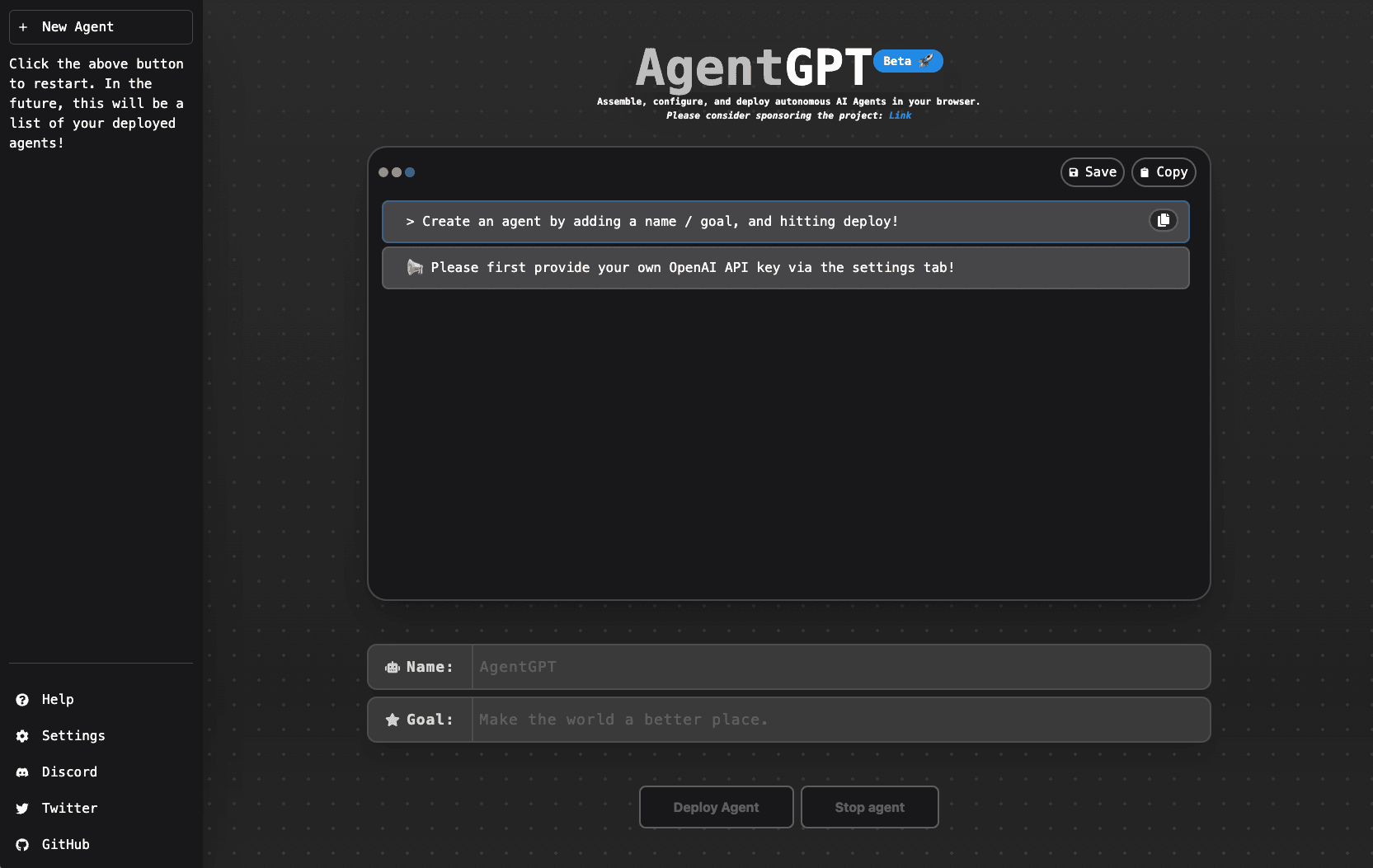
AgentGPT allows you to configure and deploy Autonomous AI agents. Name your own custom AI and have it embark on any goal imaginable. It will attempt to reach the goal by thinking of tasks to do, executing them, and learning from the results 🚀.


✨ Demo

For the best demo experience, try our site directly :)

Demo Video

👨‍🚀 Getting Started

The easiest way to get started with AgentGPT is automatic setup CLI bundled with the project. The cli sets up the following for AgentGPT:

  • 🔐 Environment variables (and API Keys)
  • 🗂️ Database (Mysql)
  • 🤖 Backend (FastAPI)
  • 🎨 Frontend (Nextjs)

Prerequisites :point_up:

Before you get started, please make sure you have the following installed:

  • An editor of your choice. For example, Visual Studio Code (VS Code)
  • Node.js
  • Git
  • Docker. After installation, please create an account, open up the Docker application, and sign in.
  • An OpenAI API key
  • A Serper API Key (optional)
  • A Replicate API Token (optional)

Getting Started :rocket:

  1. Open your editor

  2. Open the Terminal - Typically, you can do this from a 'Terminal' tab or by using a shortcut (e.g., Ctrl + ~ for Windows or Control + ~ for Mac in VS Code).

  3. Clone the Repository and Navigate into the Directory - Once your terminal is open, you can clone the repository and move into the directory by running the commands below.

    For Mac/Linux users :apple: :penguin:

    git clone https://github.com/reworkd/AgentGPT.git
    cd AgentGPT
    ./setup.sh

    For Windows users :windows:

    git clone https://github.com/reworkd/AgentGPT.git
    cd AgentGPT
    ./setup.bat
  4. Follow the setup instructions from the script - add the appropriate API keys, and once all of the services are running, travel to http://localhost:3000 on your web-browser.

Happy hacking! :tada:

🚀 Tech Stack

  • ✅ Bootstrapping: create-t3-app + FastAPI-template.
  • ✅ Framework: Nextjs 13 + Typescript + FastAPI
  • ✅ Auth: Next-Auth.js
  • ✅ ORM: Prisma & SQLModel.
  • ✅ Database: Planetscale.
  • ✅ Styling: TailwindCSS + HeadlessUI.
  • ✅ Schema Validation: Zod + Pydantic.
  • ✅ LLM Tooling: Langchain.

💝 Our GitHub sponsors 💝

Join us in fueling the development of AgentGPT, an open-source project pushing the boundaries of AI agents! Your sponsorship would drive progress by helping us scale up resources, enhance features and functionality, and continue to iterate on this exciting project! 🚀

💪 Contributors 💪

Our contributors have made this project possible. Thank you! 🙏
Made with contrib.rocks.
GitHub
Ownerreworkd
RepositoryAgentGPT
Use Cases
AI
Authentication
Stack
Next.js
Tailwind
Database
PlanetScale
Auth
NextAuth.js

Related Templates

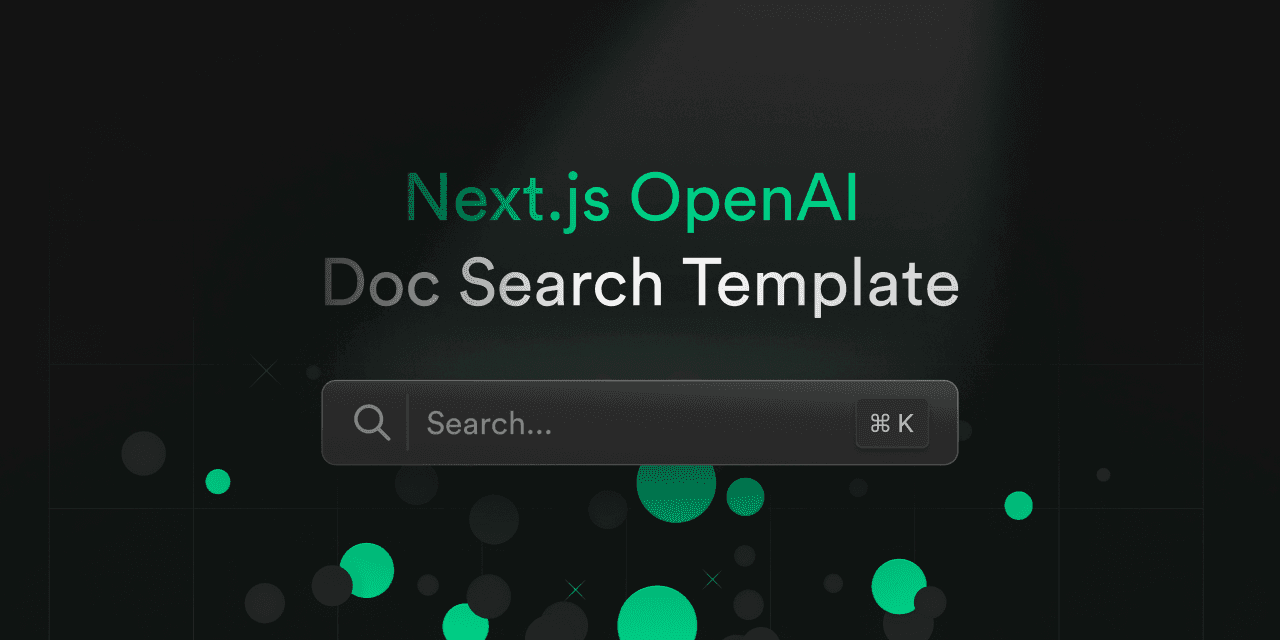
Next.js OpenAI Doc Search Starter

Template for building your own custom ChatGPT style doc search powered by Next.js, OpenAI, and Supabase.
Next.js OpenAI Doc Search Starter thumbnail

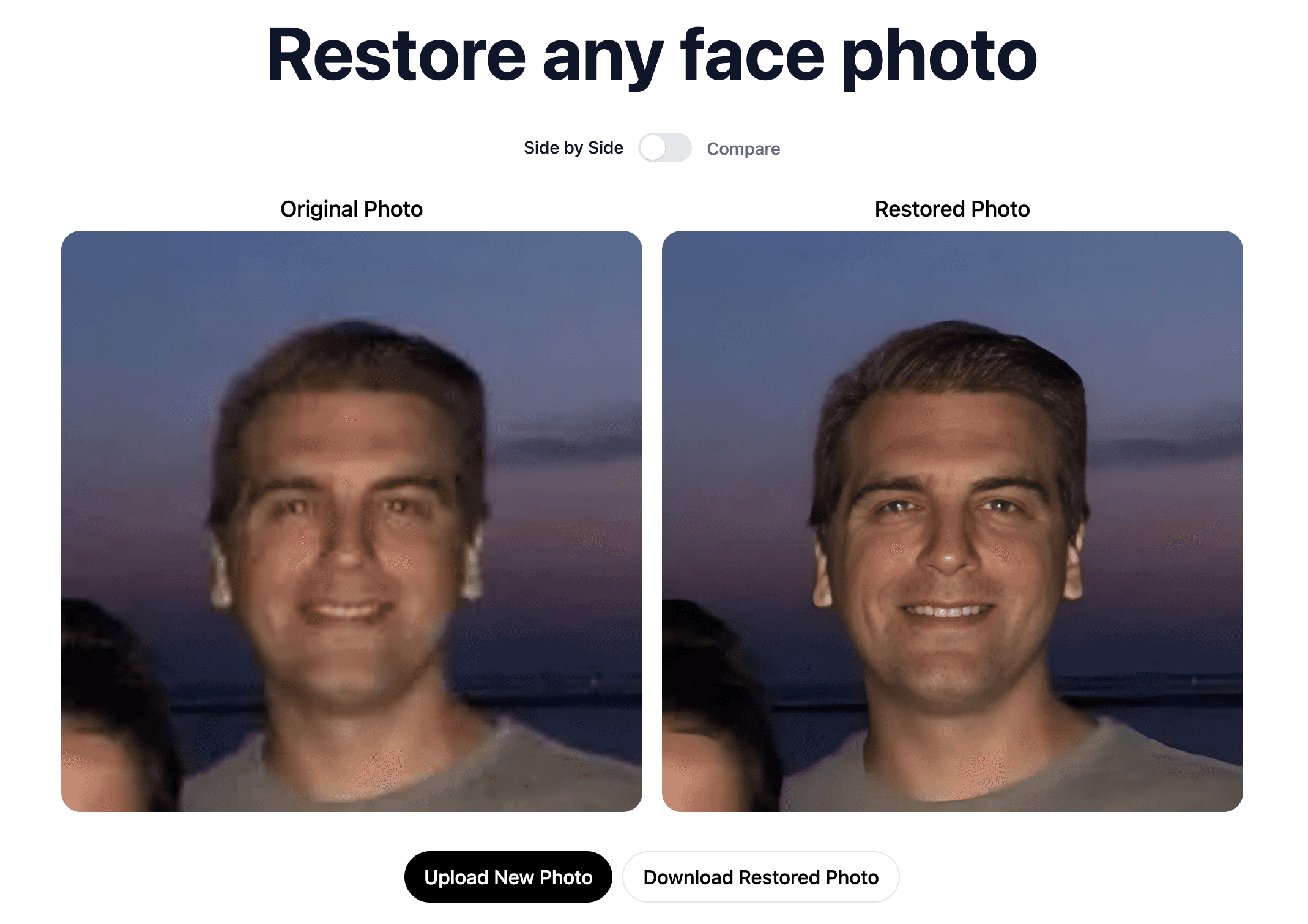
AI Photo Restorer

An AI Face Photo Restorer built on Next.js and Replicate.
AI Photo Restorer thumbnail

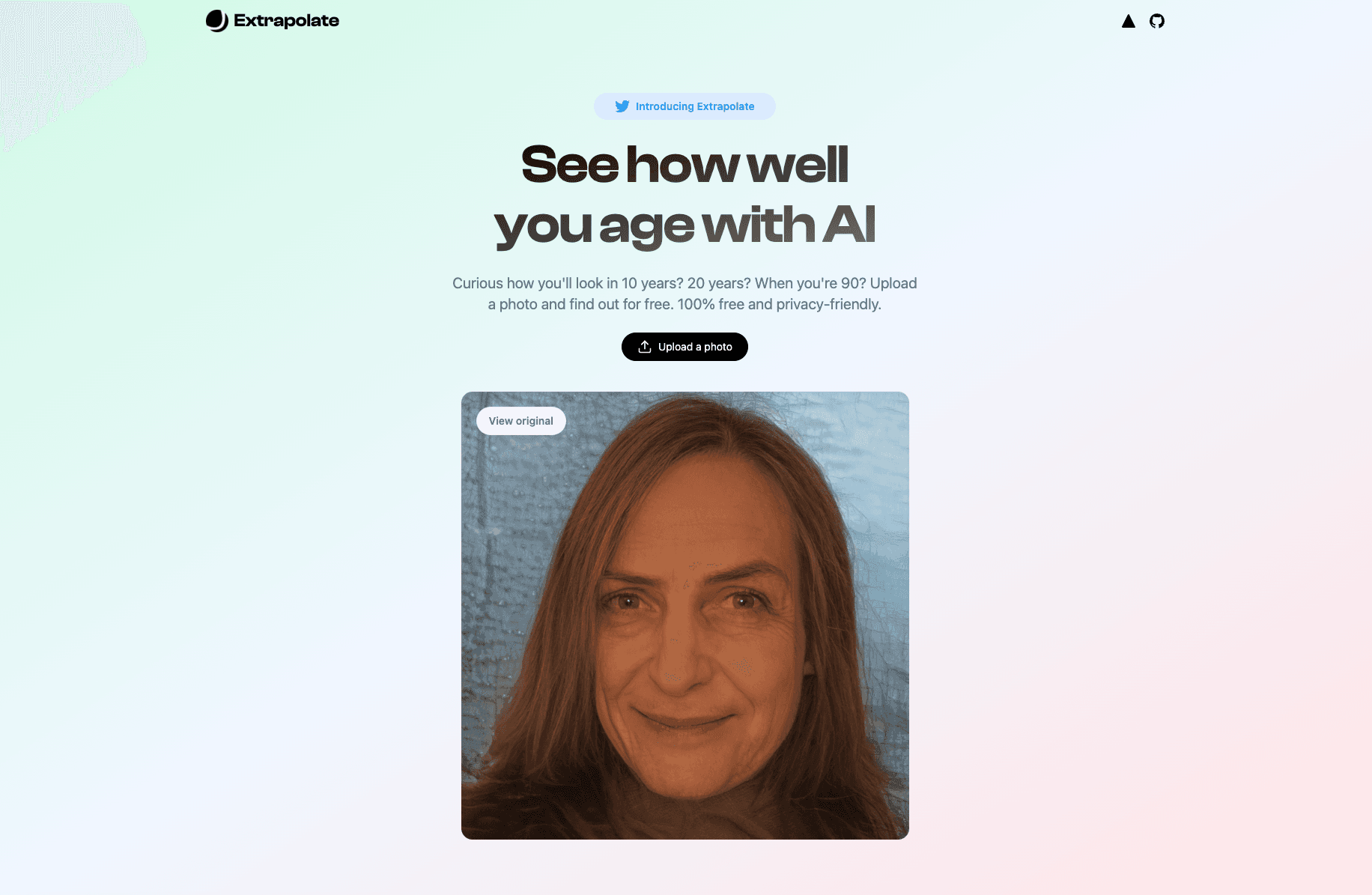
Extrapolate – AI Aging App

Age transformation AI app powered by Next.js, Replicate, Upstash, and Cloudflare R2 + Workers.
Extrapolate – AI Aging App thumbnail

Agent Stack

  • AI SDK
  • AI Gateway
  • Sandbox
  • Workflows
  • EveNew
  • ConnectNew

Core Platform

  • CI/CD
  • Content Delivery
  • Fluid Compute
  • Observability

Security

  • Platform Security
  • WAF
  • Bot Management
  • Bot ID

Tools

  • Vercel DropNew
  • Vercel Agent
  • Vercel PluginNew
  • Next.js
  • Domains
  • v0

Frameworks

  • Nuxt
  • SvelteKit
  • Nitro
  • Turborepo
  • Tanstack Start
  • FastAPI
  • xmcp
  • All frameworks

SDKs

  • Vercel SDK
  • Workflow SDKNew
  • Flags SDK
  • Chat SDKNew
  • Queues SDKNew
  • Streamdown

Build

  • AI Apps
  • Web Apps
  • Marketing Sites
  • Platforms
  • Commerce
  • Platform Engineers
  • Design Engineers

Learn

  • Docs
  • Blog
  • Changelog
  • Knowledge Base
  • Academy
  • Articles
  • Community

Explore

  • Customers
  • Marketplace
  • Templates
  • Partner Finder
  • Vercel + AWS

Company

  • About
  • Careers
  • Press
  • Events
  • Startups
  • Shipped on Vercel
  • Open Source Program
  • Enterprise
  • Pricing
  • Help

Legal & Trust

  • Privacy Policy
  • Terms of Service
  • Cookie Policy
  • DPA
  • Acceptable Use Policy
  • Legal (all documents)
  • Trust Center
  • Status

Social

  • GitHub
  • X
  • LinkedIn
  • YouTube
  • Instagram
  • VercelVercel
Agent Stack
  • AI SDK
  • AI Gateway
  • Sandbox
  • Workflows
  • Eve
Core Platform
  • Security
  • Content Delivery
  • Fluid Compute
  • Observability
  • CI/CD
Tools
  • Next.js
  • Vercel Agent
  • Vercel Plugin
  • Domains
  • v0
Learn
  • Docs
  • About
  • Blog
  • Changelog
  • Knowledge Base
Build
  • AI Apps
  • Web Apps
  • Marketing Sites
  • Platforms
  • Commerce
Explore
  • Customers
  • Marketplace
  • Partner Finder
  • AWS
  • Community
EnterprisePricing
Contact
Log InSign Up
Dashboard

Products

Agent Stack

  • AI SDK
  • AI Gateway
  • Sandbox
  • Workflows
  • Eve

Core Platform

  • Security
  • Content Delivery
  • Fluid Compute
  • Observability
  • CI/CD

Tools

  • Next.js
  • Vercel Agent
  • Vercel Plugin
  • Domains
  • v0
Resources

Learn

  • Docs
  • About
  • Blog
  • Changelog
  • Knowledge Base

Build

  • AI Apps
  • Web Apps
  • Marketing Sites
  • Platforms
  • Commerce

Explore

  • Customers
  • Marketplace
  • Partner Finder
  • AWS
  • Community
Enterprise
Pricing
Sign UpLog In
Contact
DeployView Demo

Loading status…

Select a display theme: