Turso Per User Starter
A Next.js application that demonstrates how to use the Turso Platforms API to create a database per user.
Demo
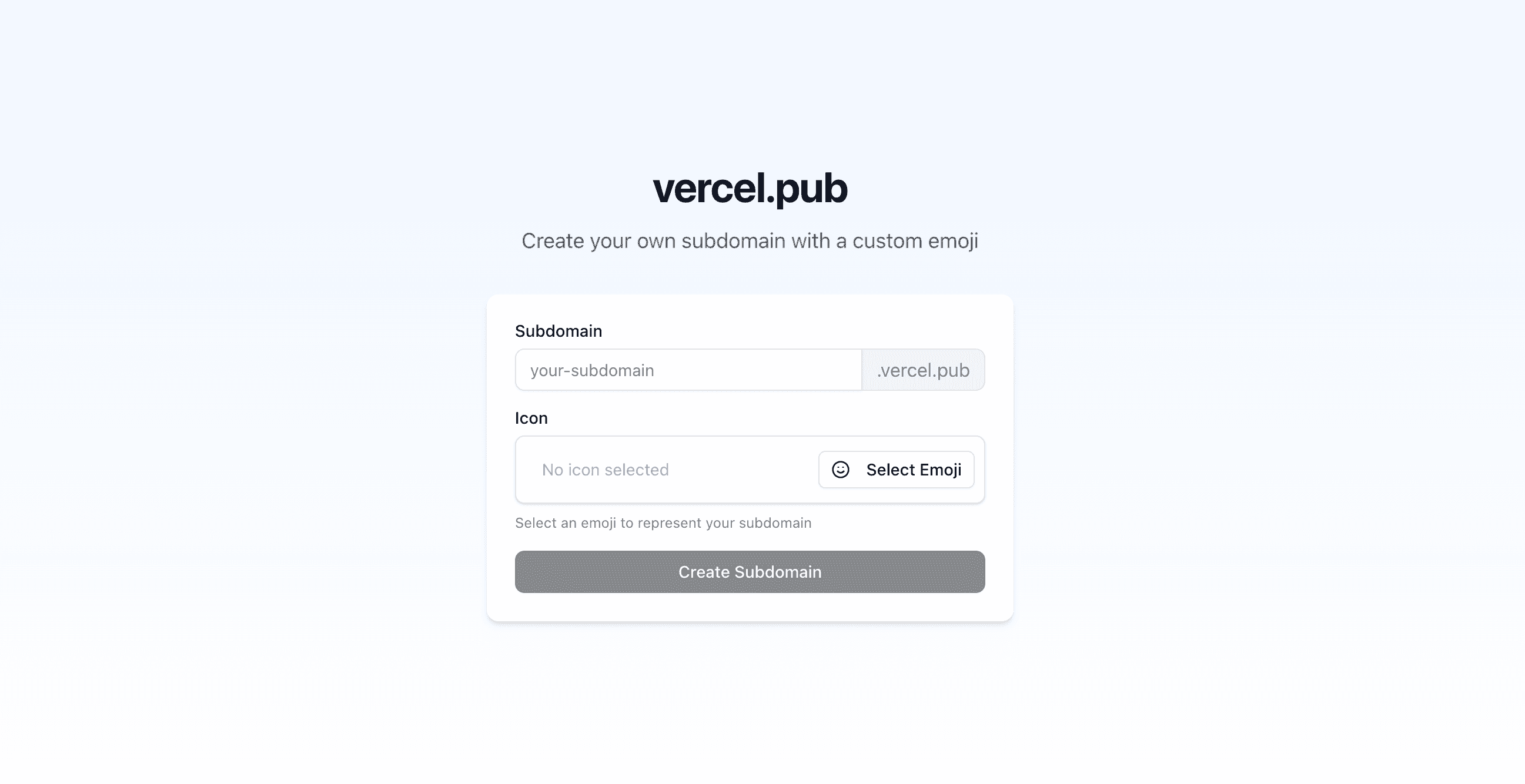
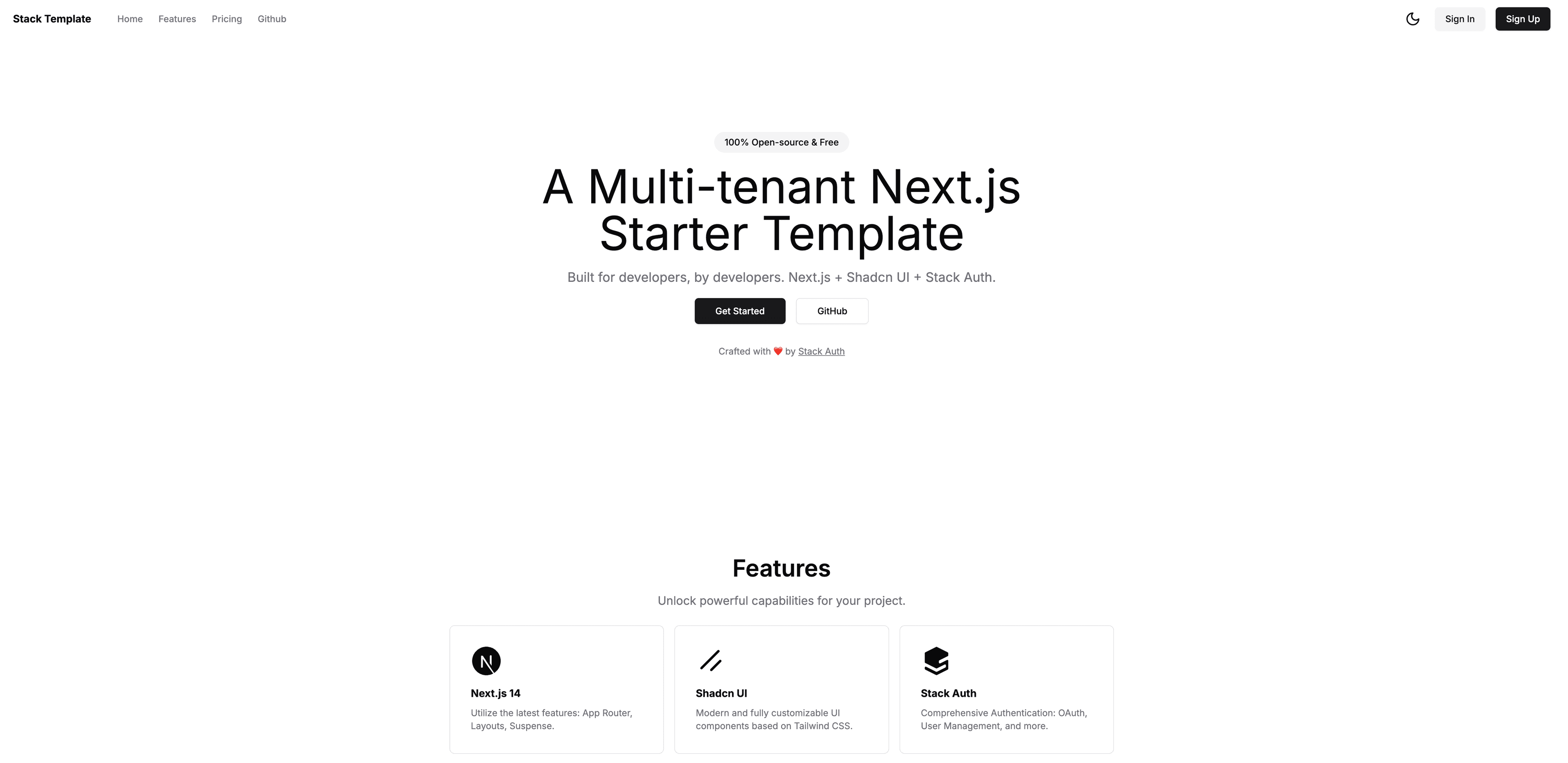
The app below uses a database per user, and is powered by Turso.
https://turso-per-user-starter.vercel.app
Get Started
Deploy your own Turso powered platform in a few easy steps...
-
- Once the database is created, you'll be presented with details about your database, and Connect details
- Note down the following (you'll need these later):
- Database name
- Org name
- Group Token (Create Group Token -> Create Token)
- Platform API Token (Create Platform API Token -> Insert memorable name -> Create Token))
-
- Create a new application from the dashboard
- Note down the following (you'll need these later):
- Public key
- Secret key
-
- Add the following environment variables (from the details you noted down earlier):
NEXT_PUBLIC_CLERK_PUBLISHABLE_KEY- Clerk public keyCLERK_SECRET_KEY- Clerk secret keyTURSO_API_TOKEN- Platform API TokenTURSO_ORG- Org nameTURSO_DATABASE_NAME- Database nameTURSO_GROUP_AUTH_TOKEN- Group Token
- Click Deploy and you're done!
- Add the following environment variables (from the details you noted down earlier):
You may optionally set up webhooks to automate the creation of databases in the background — learn more.
Local Development
Start building your Turso powered platform in a few simple steps...
-
Clone this repository
Begin by cloning this repository to your machine:
git clone https://github.com/notrab/turso-per-user-starter.gitcd turso-per-user-starter -
Install dependencies and initialize
.envRun the following:
cp .env.example .envnpm install -
Create a new Turso database with Turso
Follow the instructions to install the Turso CLI, and then run the following:
turso db create <database-name>Alternatively, you can sign up on the web, and create a new database from there.
Now update
.envto include your organization, and database name:TURSO_ORG=TURSO_DATABASE_NAME=The
TURSO_ORGcan be your personal username, or the name of any organization you have with other users. -
Create a new group token
Run the following:
turso group tokens create <database-name>Now update
.envto include the group token:TURSO_GROUP_AUTH_TOKEN=If you didn't already have one, a new group will be created for you with the name
default. -
Run database migrations
Run the following:
npm run db:migrateIf you make changes to
db/schema.ts, make sure to runnpm run db:generateto create the migrations, andnpm run db:migrateto apply them. -
Create a new Turso API Token
Run the following:
turso auth api-tokens mint clerkThen set the API token in the
.envfile:TURSO_API_TOKEN=
-
Configure Clerk
Sign up to Clerk and create a new application.
Add your Clerk public key and secret key to the
.envfile:NEXT_PUBLIC_CLERK_PUBLISHABLE_KEY=CLERK_SECRET_KEY= -
Run the application
Run the following:
npm run devNow open http://localhost:3000 with your browser to try out the app!
Optional: Webhook setup
You can automate the creation of databases per user in the background with webhooks.
Read the wiki for more information on how to set up webhooks with Clerk during development, and production.
Tech Stack
- Turso for multi-tenant databases
- Next.js for powerful full stack apps
- Tailwind CSS for utility-first CSS
- Drizzle for database migrations and ORM
- Clerk for authentication
- Vercel for hosting
Need help?
- Open an issue on GitHub
- Submit a Pull Request to improve this repo
- Join us on Discord