Skip to content
VercelLogotypeVercelLogotype
LoginSign Up

Flags SDK with Hypertune and Next.js

An e-commerce example built with Hypertune and Flags SDK that works well with Vercel Marketplace

DeployView Demo
Flags SDK and Hypertune on a light background

Flags SDK Template

This example uses a template adapter for feature flags with the Flags SDK that works with the Flags Explorer.

Demo

https://flags-sdk-hypertune.vercel.app/

How it works

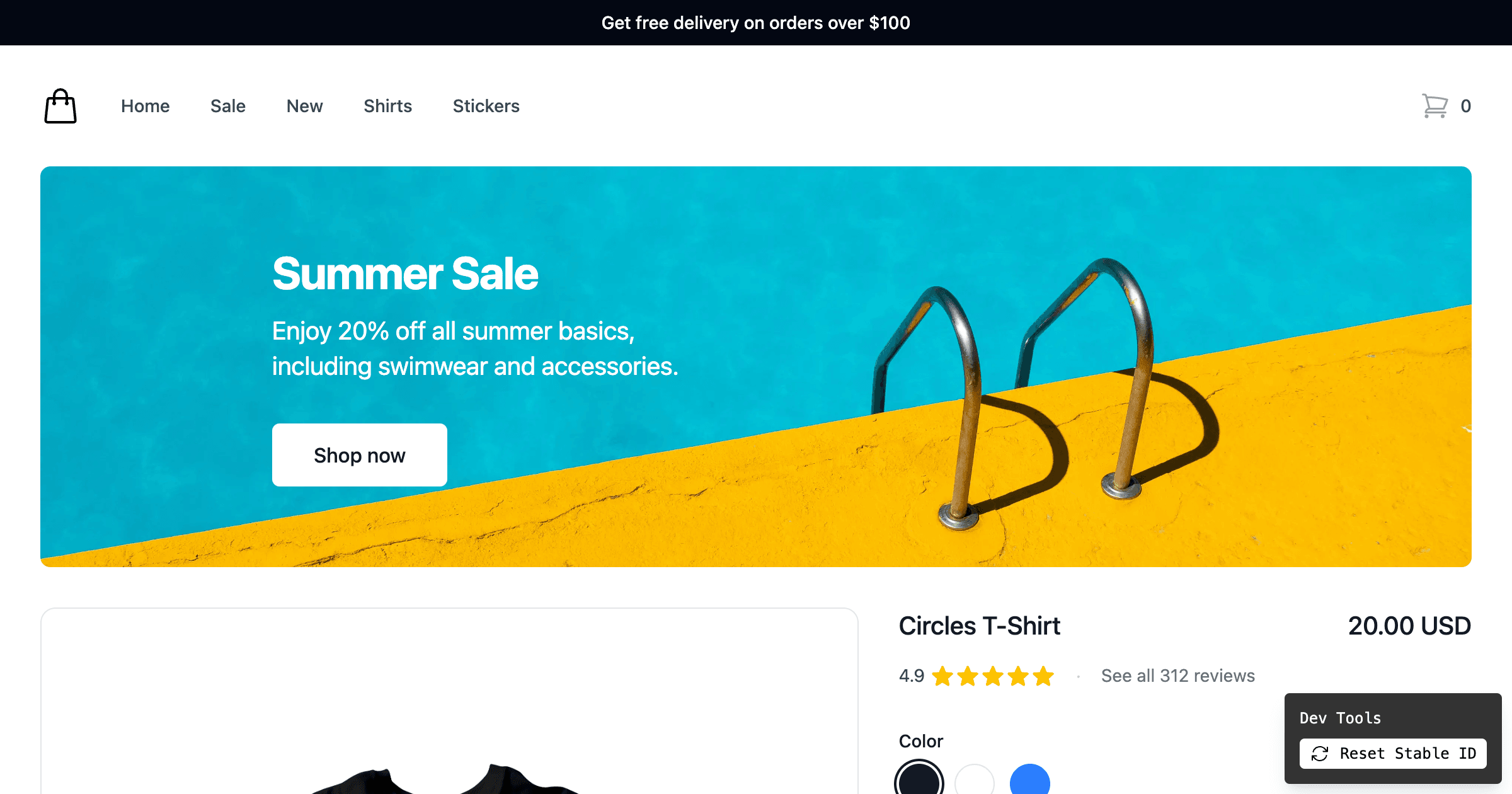
This demo shows different combinations of two banners on the home page. The banners are configured to show/hide each banner 50% of the time.

Once you visit the page, you can see a variation of both/one/none of the banners. Since this example is using a stable id to identify users, you will see the same variation until you reset your id.

To test different variations, you can use the Dev Tools at the bottom to reset the stable id and reload the page. This allows you to test different variations of the banners.

If you clone the example, you can also use the Flags Explorer to test different variations by creating overrides.

Deploy this template

Step 1: Link the project

In order to use the Flags Explorer, you need to link the project on your local machine.

vercel link

Select the project from the list you just deployed.

Step 2: Pull all environment variables

This allows the Flags SDK and the Flags Explorer to work correctly, by getting additional metadata.

vercel env pull

Step 3: Set up Hypertune

Use the Schema for this example

In the Hypertune dashboard, try this example by pasting the following schema into the Schema tab:

"""
This `Context` input type is used for the `context` argument on your root field.
It contains details of the current `user` and `environment`.
You can define other custom input types with fields that are primitives, enums
or other input types.
"""
input Context {
stableId: String!
environment: Environment!
}
type Root {
delay: Int!
proceedToCheckout: ProceedToCheckout!
freeDelivery: Boolean!
summerSale: Boolean!
}
enum Environment {
development
production
test
}
enum ProceedToCheckout {
blue
red
green
}

Use the Logic for this example

You will also need to create the logic for the flags to enable the flags to return different variants.

Create a Flag for the delay flag, and set the Type to Number.

Create a Test for each flag that splits traffic between users, and select the appropriate type for each flag.

Flags should be called delay, proceedToCheckout, freeDelivery, and summerSale as seen in flags.ts
GitHub
Ownervercel
Repositoryexamples
Use Cases
Edge Config
Stack
Next.js
Tailwind
Experimentation
Hypertune

Related Templates

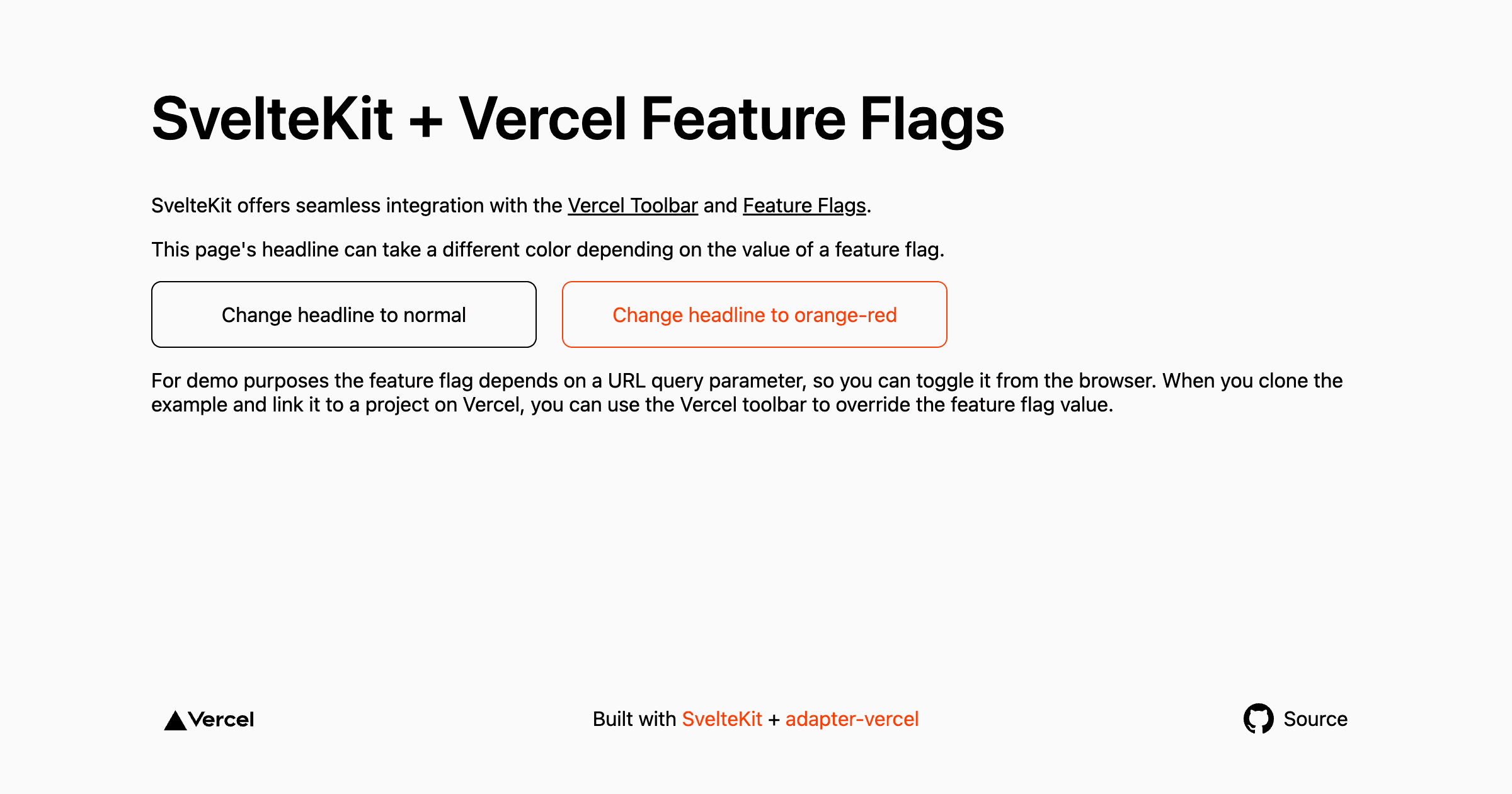
SvelteKit Flags SDK Starter

A SvelteKit app using the @vercel/flags Flags SDK.
SvelteKit Flags SDK Starter thumbnail

Statsig Experimentation with Flags SDK

Run experiments on static pages with Statsig and the Flags SDK
Statsig Experimentation with Flags SDK thumbnail

Shirt Shop — Feature Flags using Next.js

Ecommerce product page example using Next.js, Flags SDK, and @vercel/toolbar to test showing free shipping and summer deal banners.
Shirt Shop — Feature Flags using Next.js thumbnail

Agent Stack

  • AI SDK
  • AI Gateway
  • Sandbox
  • Workflows
  • EveNew
  • ConnectNew

Core Platform

  • CI/CD
  • Content Delivery
  • Fluid Compute
  • Observability

Security

  • Platform Security
  • WAF
  • Bot Management
  • Bot ID

Tools

  • Vercel DropNew
  • Vercel Agent
  • Vercel PluginNew
  • Next.js
  • Domains
  • v0

Frameworks

  • Nuxt
  • SvelteKit
  • Nitro
  • Turborepo
  • Tanstack Start
  • FastAPI
  • xmcp
  • All frameworks

SDKs

  • Vercel SDK
  • Workflow SDKNew
  • Flags SDK
  • Chat SDKNew
  • Queues SDKNew
  • Streamdown

Build

  • AI Apps
  • Web Apps
  • Marketing Sites
  • Platforms
  • Commerce
  • Platform Engineers
  • Design Engineers

Learn

  • Docs
  • Blog
  • Changelog
  • Knowledge Base
  • Academy
  • Articles
  • Community

Explore

  • Customers
  • Marketplace
  • Templates
  • Partner Finder
  • Vercel + AWS

Company

  • About
  • Careers
  • Press
  • Events
  • Startups
  • Shipped on Vercel
  • Open Source Program
  • Enterprise
  • Pricing
  • Help

Legal & Trust

  • Privacy Policy
  • Terms of Service
  • Cookie Policy
  • DPA
  • Acceptable Use Policy
  • Legal (all documents)
  • Trust Center
  • Status

Social

  • GitHub
  • X
  • LinkedIn
  • YouTube
  • Instagram
  • VercelVercel
Agent Stack
  • AI SDK
  • AI Gateway
  • Sandbox
  • Workflows
  • Eve
Core Platform
  • Security
  • Content Delivery
  • Fluid Compute
  • Observability
  • CI/CD
Tools
  • Next.js
  • Vercel Agent
  • Vercel Plugin
  • Domains
  • v0
Learn
  • Docs
  • About
  • Blog
  • Changelog
  • Knowledge Base
Build
  • AI Apps
  • Web Apps
  • Marketing Sites
  • Platforms
  • Commerce
Explore
  • Customers
  • Marketplace
  • Partner Finder
  • AWS
  • Community
EnterprisePricing
Contact
Log InSign Up
Dashboard

Products

Agent Stack

  • AI SDK
  • AI Gateway
  • Sandbox
  • Workflows
  • Eve

Core Platform

  • Security
  • Content Delivery
  • Fluid Compute
  • Observability
  • CI/CD

Tools

  • Next.js
  • Vercel Agent
  • Vercel Plugin
  • Domains
  • v0
Resources

Learn

  • Docs
  • About
  • Blog
  • Changelog
  • Knowledge Base

Build

  • AI Apps
  • Web Apps
  • Marketing Sites
  • Platforms
  • Commerce

Explore

  • Customers
  • Marketplace
  • Partner Finder
  • AWS
  • Community
Enterprise
Pricing
Sign UpLog In
Contact
DeployView Demo

Loading status…

Select a display theme: